Does Insight need the internet?
No. Insight works entirely on the school's computer and refuses every internet request. Updates arrive as a signed file on a pen drive or by email, and are installed from Settings in a few clicks.
Where is our data kept?
In one database file on the school's own Windows computer. Insight backs it up every day, keeps the last seven backups, and can make password-protected backups for a pen drive.
Do we need an OMR machine for bubble-sheet tests?
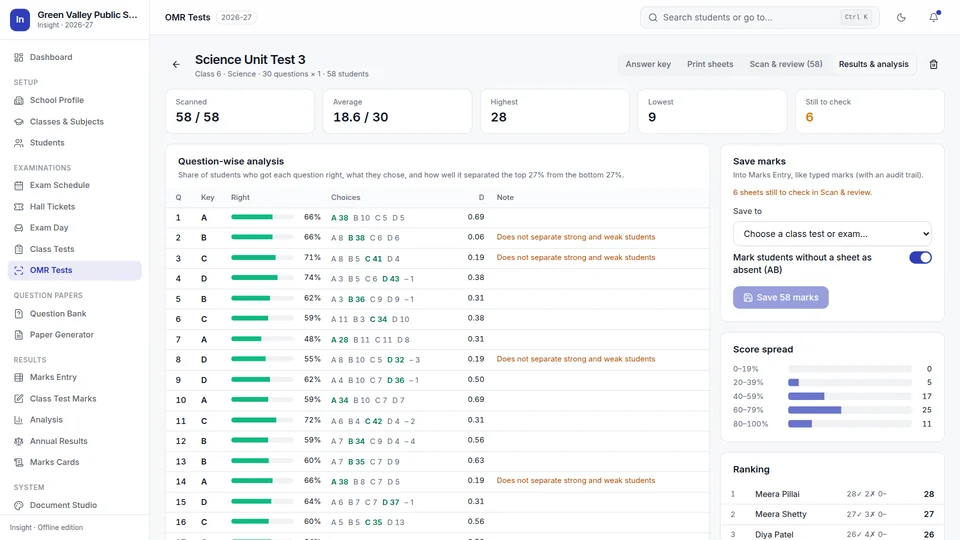
No. Insight prints personalised answer sheets on plain A4 paper and reads them from an ordinary scanner or phone photos, on the same computer.
Can we use our own grading and promotion rules?
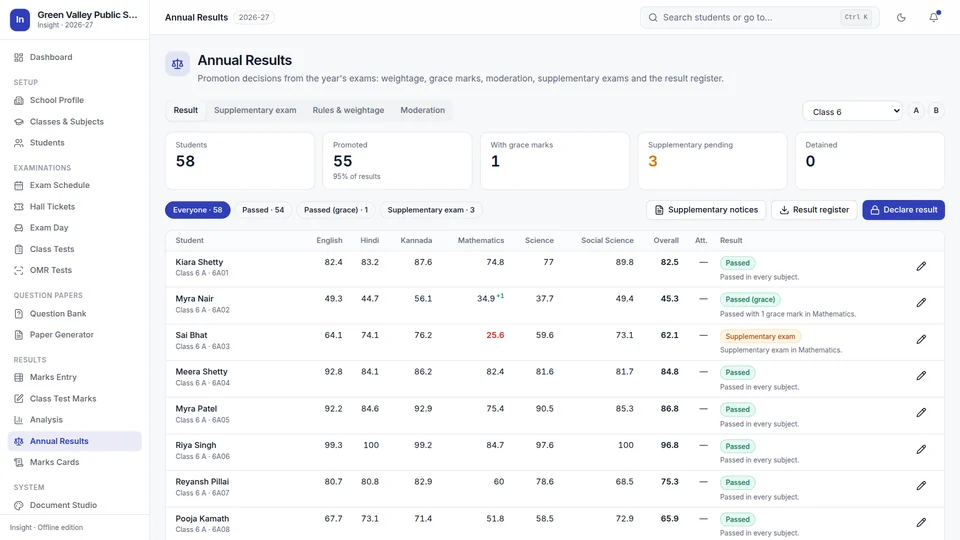
Yes. Grading scales, pass marks, exam weightage, grace-mark limits, supplementary-exam limits, minimum attendance and no-detention classes are all set by the school.
Which computers does Insight run on?
Windows 10 or 11. Recommended: 64-bit with 8 GB memory. A 32-bit edition runs on 32-bit Windows 10 with at least 4 GB (larger jobs are slower, so they are made class by class). Not Windows 7 or 8. Each installation serves one school or branch and is activated with a licence file made for that computer. A 30-day trial licence is available.
We are starting part-way through the year. Do we lose the exams already held?
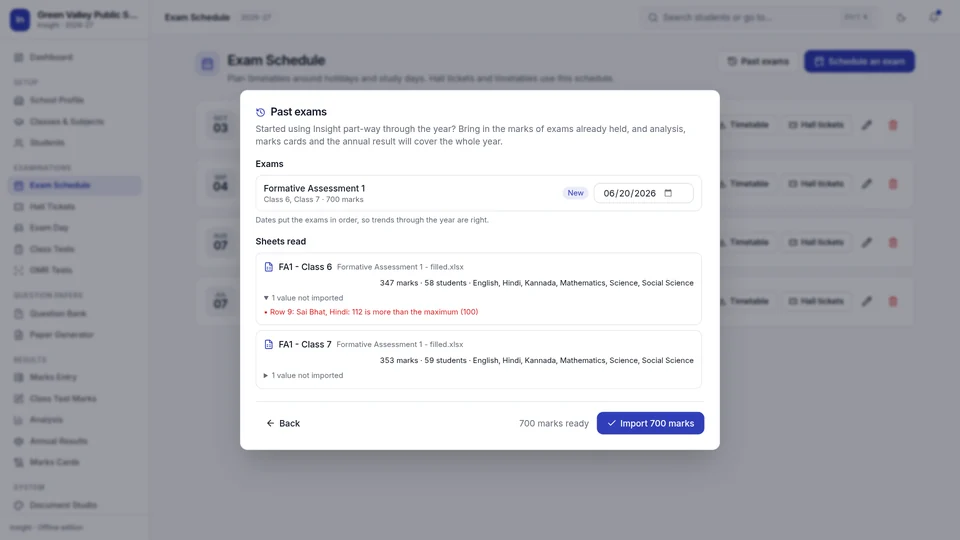
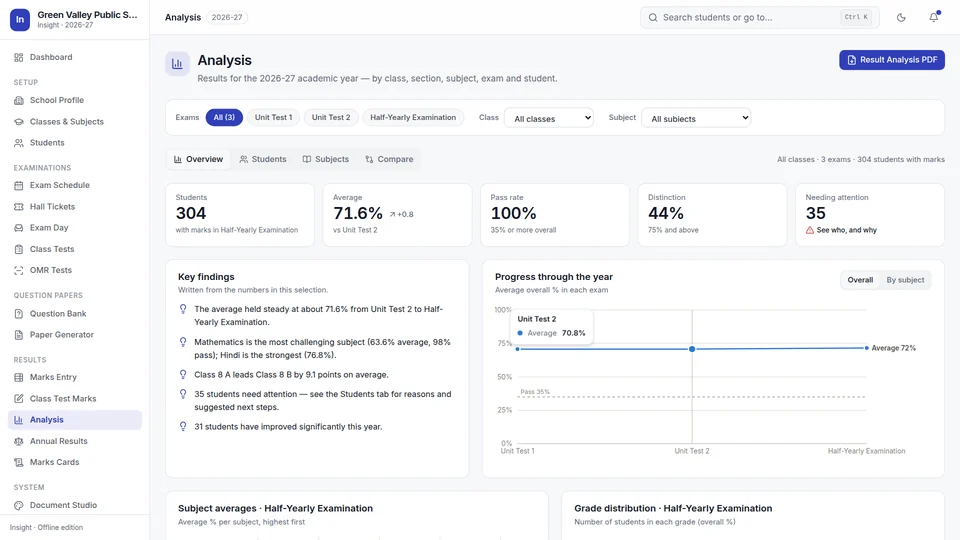
No. Insight brings in the marks of exams already held from Excel: its own ready template, your existing sheets, or a list exported from other software. Every value is checked and anything it cannot use is explained. Analysis, marks cards and the annual result then cover the whole year.
Can teachers enter marks on their own computers?
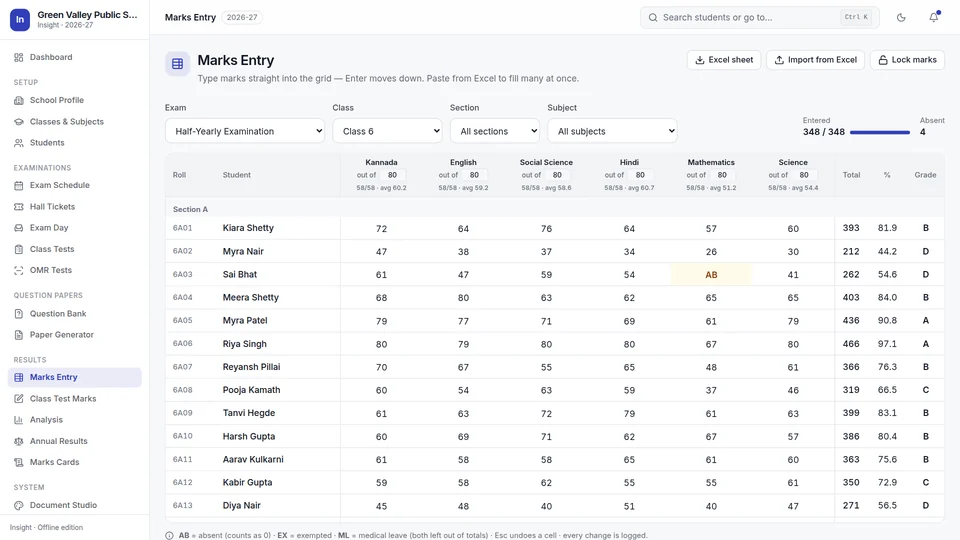
Yes. Insight makes a ready Excel sheet for each class teacher or subject teacher, with the students and papers filled in. Teachers fill marks on their own computers and return the files; the exam office imports them all together, with every value checked and anything unusable explained.
Can we import our existing student lists?
Yes. Insight imports Excel and CSV files in the layouts schools already use, checks every row, and explains any row it cannot import before anything is saved.
Can several branches be compared?
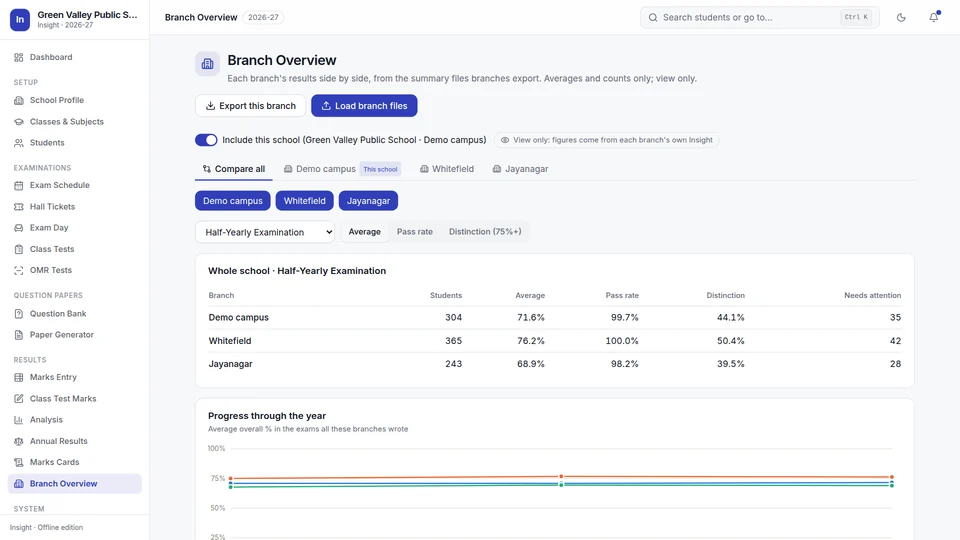
Yes. Each branch runs its own Insight and exports one small summary file: averages, pass rates and grade counts, with no student names or marks. Head office loads the files into Branch Overview and sees each branch on its own tab, and all of them side by side. A head office without a school of its own can use a comparison-only licence.
How do we buy Insight?
Send the enquiry form, call or WhatsApp +91 98806 11670, or email yash0306004@gmail.com. Insight costs ₹55,000 one-time (₹45,000 for the first 10 schools), with 12 months of updates and support, setup help and training included; see pricing. Try it free for 30 days first. After purchase you receive a licence file made for your computer and help setting up. Licence files, Admin PIN files and updates after purchase are requested on the Licence & support page.
What does Insight not do?
Insight is for exam work. It does not handle fees, transport or admissions, and its screens are in English, while Hindi and Kannada questions are kept, imported and printed in their own script.